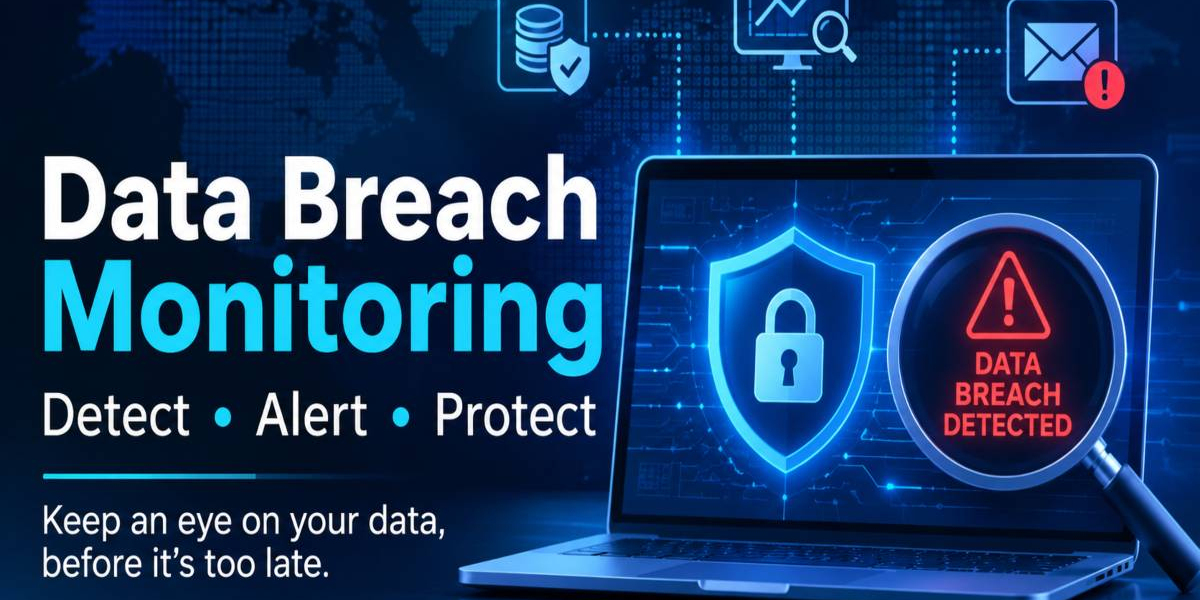

What Is Data Breach Monitoring?
Data breach monitoring is the ongoing process of checking whether your private information has been leaked, stolen, or posted online. Think of it like a smoke alarm for your digital life, because it warns you before a small spark becomes a fire. Data breach monitoring services scan hacker forums, paste sites, and the dark web for stolen emails, passwords, and card numbers. When a match appears, the service sends an alert so you can act quickly.
Quick Answer
Data breach monitoring is a service that watches the internet for leaked personal or company data. It sends you an alert when your information appears in a known leak. This lets you change passwords and block fraud early.
Why It Matters: Real-Life Examples
Real incidents show why early warnings are so valuable. In 2017, Equifax disclosed a breach that exposed the personal details of roughly 147 million people, according to the U.S. Federal Trade Commission. Many victims learned about the leak months later, which gave criminals time to attempt identity theft. Experienced security teams repeat one lesson: the sooner you know, the smaller the damage.
The Cost of Waiting
IBM’s Cost of a Data Breach Report 2024 put the global average cost of a breach at about 4.88 million US dollars. Imagine a student whose email password leaks in an old forum hack. If that same password protects a bank app, a single alert could save weeks of stress. This is why compromised accounts need attention immediately, not later.
How Data Breach Monitoring Services Work
Most data breach monitoring services follow a simple three-step cycle: collect, compare, and notify. First, they gather huge databases of leaked records from public breaches and underground marketplaces. Next, powerful Data Breach Detection tools compare those records against the emails, domains, or usernames you registered. Finally, the platform sends a clear warning explaining what leaked, where it appeared, and what to do next.
Dark Web Scanning
Dark web monitoring is the part many beginners find mysterious, so here is a simple picture. The dark web is a hidden section of the internet where criminals trade stolen credentials, much like a black market. A good data breach monitor checks those hidden places around the clock and flags your information if it shows up. Free tools such as Have I Been Pwned, created by security researcher Troy Hunt, offer a basic version of this check.
Alerts and Incident Response
An alert is only useful if you know what to do with it. Quality services rank warnings by severity, so a leaked password matters more than an old public username. Security teams then follow an incident response plan, which includes resetting credentials, isolating affected systems, and informing the right people.
Key Features to Look For
When comparing data breach monitoring services, focus on features that match your real needs rather than long marketing lists. A strong platform should cover many data types, update its sources daily, and explain risks in plain language. Coverage for company domains is vital for businesses, while family plans help individuals protect several accounts at once. Clear pricing and honest limits also show trustworthiness, because no tool can find every leak on the internet.
Real-time alerts for emails, passwords, and financial details
Wide coverage of the dark web, paste sites, and hacker forums
Easy dashboards with plain-language explanations
Guidance on password resets and fraud protection
Support for business domains and multiple users
Digital Risk Protection and Related Concepts
Breach alerts are one piece of a bigger safety picture known as Digital risk protection. This wider approach also tracks fake websites, brand impersonation, phishing campaigns, and exposed company documents. It relies on threat intelligence, which means collecting and analysing information about attackers and their methods. Leaders often connect it with privacy laws such as GDPR, which require organisations to report certain breaches quickly.
Individuals vs Businesses
A student mainly needs alerts for personal emails, social accounts, and banking details. A small business owner has more to guard, including customer records, staff logins, and payment systems. For example, imagine a shop owner whose supplier portal password leaks, and an alert lets her reset it before any fake invoice is sent. Larger companies often add dedicated security analysts and automated tools to handle the volume of alerts.
Best Practices After You Receive an Alert
An alert is the start of the process, not the end. Acting calmly and in the right order prevents most of the harm that stolen data can cause. The NIST Cybersecurity Framework recommends detecting, responding, and recovering in a structured way. Follow these steps whenever a warning arrives:
Change the leaked password at once and use a unique one for every account
Turn on multi-factor authentication wherever it is offered
Check bank statements and credit reports for suspicious activity
Use a password manager to create and store strong passwords
Report the issue to your bank, employer, or relevant authority
Conclusion
Leaks are now a normal part of online life, so waiting for bad news is no longer a safe plan. Data breach monitoring services give you an early warning, clear next steps, and more time to react. Combine them with strong passwords, multi-factor authentication, and regular account checks for the best protection. Start small today, and your future self will thank you.
FAQ (Frequently Asked Questions)
Is a free leak-checking tool enough?
Free tools are a good starting point for checking whether an email has appeared in public leaks. They usually lack continuous scanning, deeper dark web coverage, and business features. Students can begin free, while companies should consider paid protection.
How quickly will I be told about a leak?
Timing depends on when the leaked data becomes visible to the scanning tool. Many platforms notify users within hours or days of finding a match. No service can promise instant alerts for every incident.
What should I do first if my password leaks?
Change that password immediately and anywhere else you reused it. Then enable multi-factor authentication and review recent account activity. Finally, watch your bank statements for unusual charges.
Can these tools stop hackers completely?
No tool can stop every attack, and honest providers say so. They reduce risk by giving you early warnings and practical guidance. Good habits, such as updates and unique passwords, remain essential.







Ageless Vitality Research Research 9 sati
very helpfull article